

 WilsonPro Enterprise 3300 installation guide (PDF)
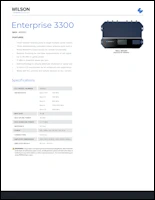 WilsonPro Enterprise 3300 spec sheet (PDF)
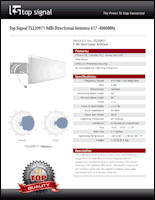 Top Signal LPDA antenna TS220971 spec sheet (PDF)
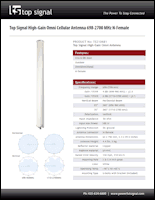 Top Signal high‑gain omni antenna TS210681 spec sheet (PDF)
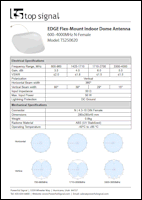 Top Signal EDGE dome antenna TS250620 spec sheet (PDF)
 Top Signal TS‑400 coax TS340000 spec sheet (PDF)
 What’s my cell signal strength?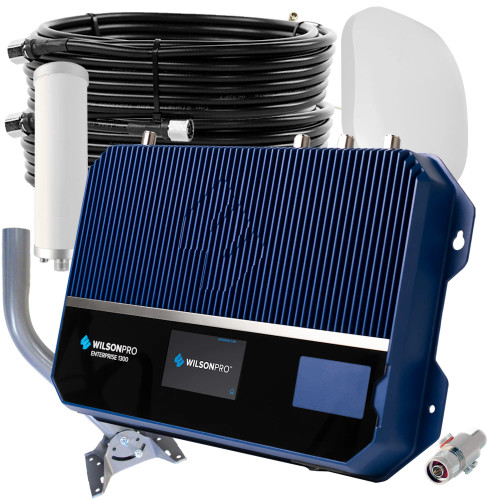


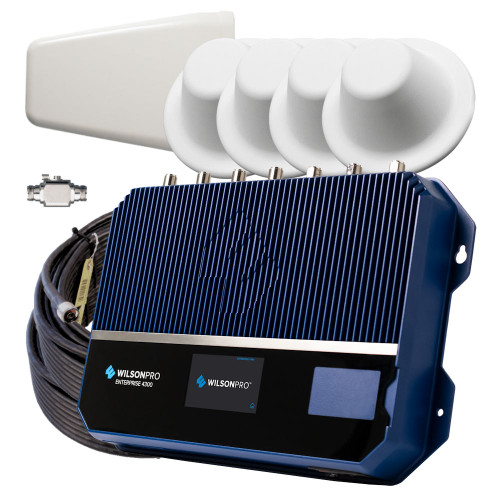
The WilsonPro Enterprise 3300 is a wall-mounted, three-amplifier system designed for office buildings, warehouses, hospitals, hotels, campuses, and other large facilities. With up to 26 dBm uplink and 17 dBm downlink power, the Enterprise 3300 can connect to cell towers at a greater distance. With strong outside signal, it can cover up to 80,000 square feet of indoor space with its three dome broadcast antennas. (Weaker outside signal reduces the inside coverage.)
With “split mode” Multi-Tower Targeting, the Enterprise 3300 can use three separate outdoor antennas to gather signal on different frequencies from three different cell towers at once.* (It can also use a single antenna in “common mode.”)
The Enterprise 3300 features optional WilsonPro Cloud integrated service with remote monitoring, administration, and alert notifications. You can also manage your WilsonPro Enterprise system through by connecting a computer to its integrated RJ45 port.
The WilsonPro Enterprise 3300 automatically controls the amplifier with its onboard software and adjusts the gain level for each port independently, up or down, as needed. It will reduce its gain to prevent oscillation, and with Wilson’s XDR (eXtended Dynamic Range) technology, the Enterprise 3300 will never overpower or shut down.
 This system includes 3 directional antennas to take advantage of the WilsonPro Enterprise 3300’s Multi-Tower Targeting capabilities. One high-gain omnidirectional antenna is also an option. (Learn more.)
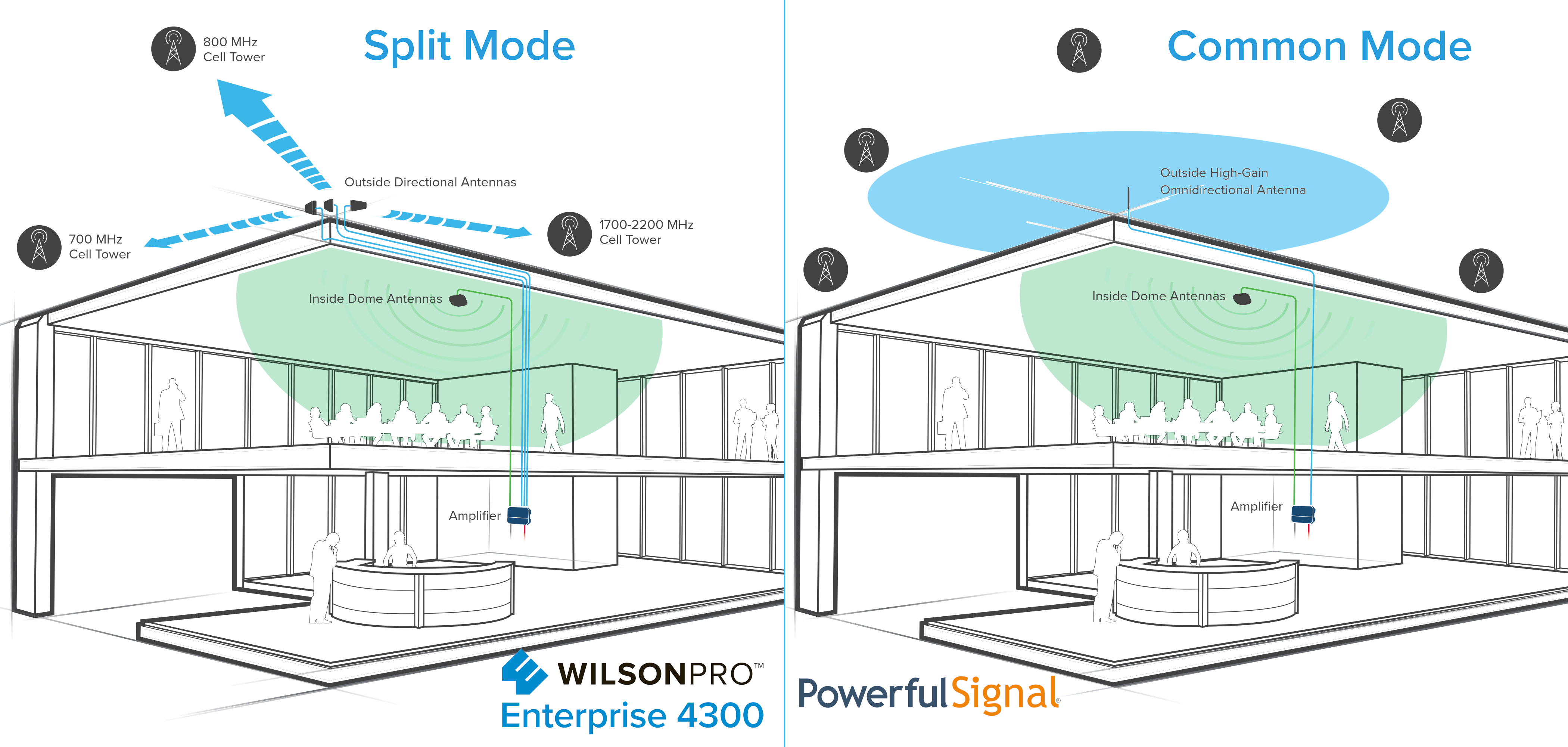
The WilsonPro Enterprise 3300 cell phone signal booster sends and receives signal to and from cell towers in the local area. Because those towers are often in different directions, the Enterprise 3300 offers two options for setting up the outside donor antennas:
Split Mode takes advantage of Wilson’s Multi-Tower Targeting Technology™. Three individual coax cables are run from the amplifier to the roof, where they connect to three directional antennas that are pointed at specific cell towers: one for 700 MHz (bands 12/17 and 13), one for 800 MHz (band 5), and one for 1700–2200 MHz (bands 2 and 4). With three individually targeted directional antennas, the amplifier will receive more signal (higher antenna gain) with less noise.
Common Mode uses a single run of coax cable from the amplifier to the roof, where it connects to one high-gain omnidirectional antenna that sends and receives signal to and from all cell towers in a 360° radius. This setup receives all cellular bands of frequency from all carriers in all directions. Unlike Split Mode, Common Mode allows for the reception of the same bands of frequency used by multiple carriers from separate towers. In exchange for easier installation and wider reception than Split Mode, in Common Mode antenna gain is lower and noise is greater, reducing the indoor coverage area the amplifier can provide.
 (Click to enlarge.)
The WilsonPro Enterprise 3300 features optional WilsonPro Cloud service that provides powerful remote administration tools for I.T. departments and system integrators, giving you high reliability with minimal system downtime.
With a WilsonPro Cloud subscription, you’ll receive customizable email and text alerts if the amplifier goes offline or experiences signal oscillation, weak signal, or no signal conditions.
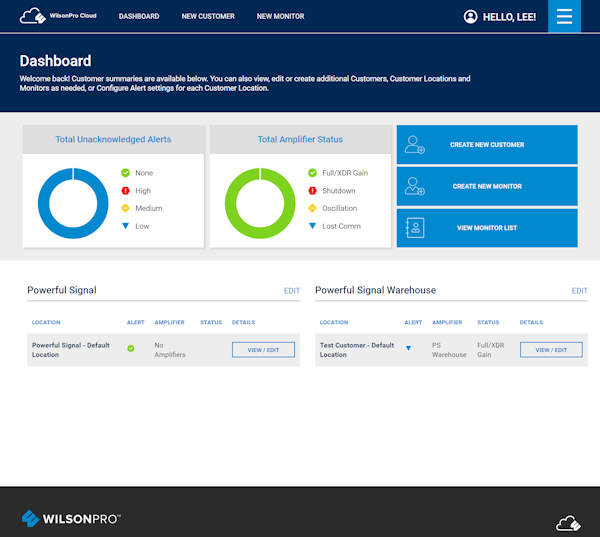
With the WilsonPro Cloud you can remotely log on to the Enterprise 3300 through your phone, computer, tablet, or other device with a web browser. Once logged in, you can view the booster’s performance and signal levels and configure the system by turning cellular bands on and off or rebooting the amplifier. The Cloud interface also includes a tool to help you tune the rooftop directional antenna.
If you administer multiple WilsonPro Enterprise boosters, the WilsonPro Cloud interface allows you to organize and monitor them by location and by customer account.
Remote monitoring is available through an Ethernet connection on the bottom of the Enterprise 3300 amplifier.
A one-year WilsonPro Cloud subscription is included with the purchase of the Enterprise 3300 and is billed annually thereafter. For subscription pricing information, please call Powerful Signal at 435-634-6800 or contact us online.


WilsonPro Cloud dashboard
The WilsonPro Enterprise 3300 system includes 400-type coax cable to connect the amplifier to the inside antennas. If your building requires fire-rated cable in plenum spaces , please ask us about upgrading to ½-inch plenum air coax. Plenum cable fully meets state and federal building codes.
Plenum cable also has nearly half the signal loss per foot of cable compared to 400-type coax cable, delivering stronger signal from the WilsonPro amplifier to your phones and other cellular devices.
(Plenum air cable is available at additional cost. Call Powerful Signal at 435-634-6800 for details.)
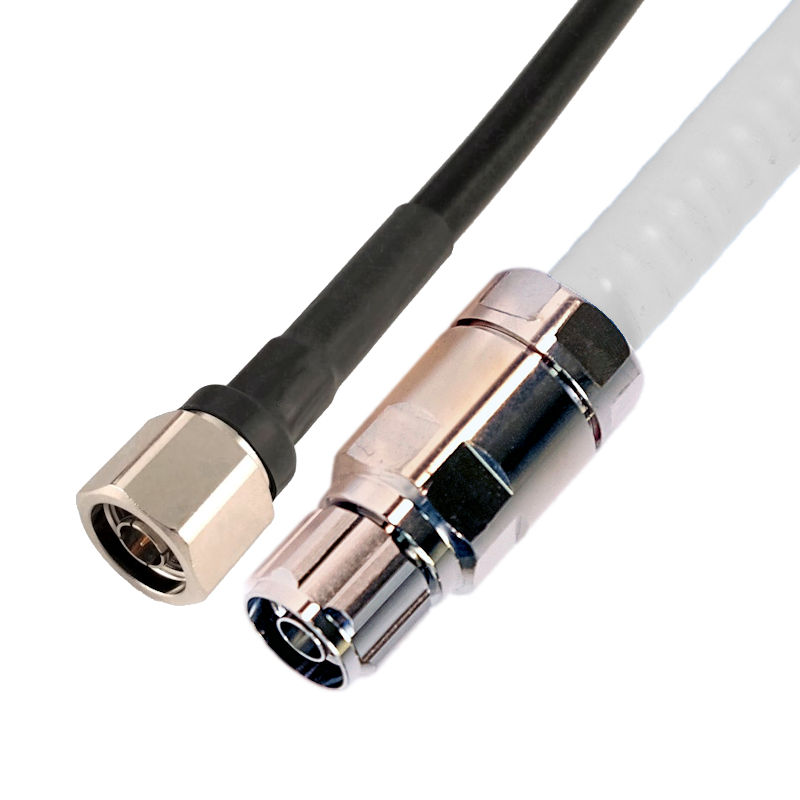 This system uses 400 coax (left), but you can upgrade to fire-rated plenum air coax cable (right) for building-code compliance and better performance.
In a large building, office, or warehouse, you’ll get the best results and performance from a WilsonPro Enterprise 3300 with a custom design and professional installation.
Working with your floor plans, Powerful Signal’s design engineers will create design specifications that will allow you to use the fewest number of components to get the maximum amount of cellular coverage inside your building.
Powerful Signal’s professional installer will have knowledge of local building codes and have the proper tools and experience to make sure your system is set up and configured correctly.
Call Powerful Signal at 435-634-6800 or request a free custom quote online. We’ll design a custom system that will solve your cellular reception and connectivity problems at the best possible price point. We’ve designed thousands of cell signal amplifier systems—let us create one for you!
 A large office floor with amplified cellular signal from a WilsonPro solution and three dome antennas. (Click to enlarge.)
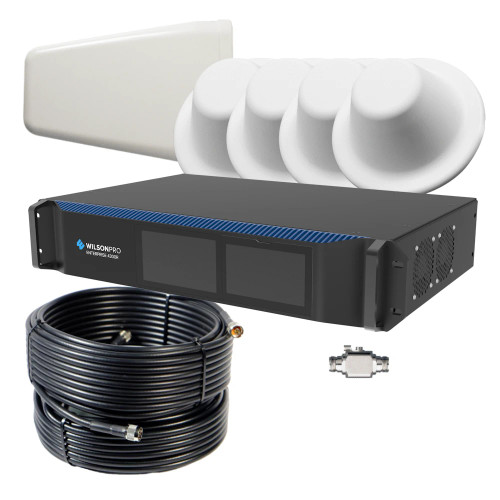
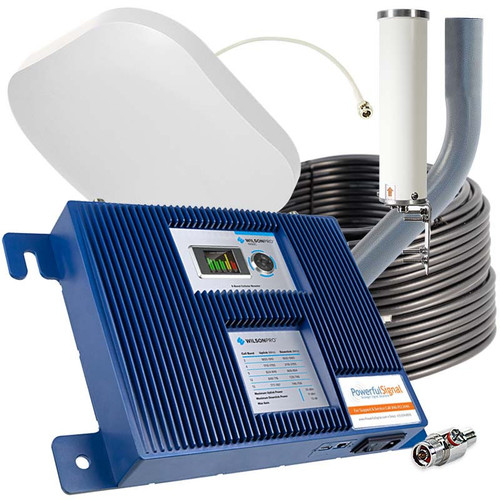
The WilsonPro Enterprise 3300 can be self-installed if you are familiar with cellular amplification equipment. We’ll be happy to advise you on the best placement of antennas or provide a custom, turnkey solution. If you purchase this system as a standalone product, it includes the following components:
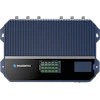 WilsonPro Enterprise 3300 cell signal amplifier 463052
 6′ locking AC power cable
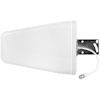 Choice of…
 …or
…or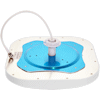 Top Signal EDGE dome antenna w/mounting post, nut & mounting plate TS250620 (×3)
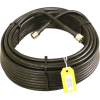 100′ TS-400 coax with N-male connectors TS340100 (×3)
 50′ TS-400 coax with N-male connectors TS340050
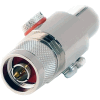 Top Signal 50‑ohm lightning surge protector TS450001
 Adjustable antenna mount TS43000x
 WilsonPro Enterprise 3300 user manual
Using Wilson Connected’s patented technology, the WilsonPro Enterprise 3300 receives the outside cell signal, amplifies it, and rebroadcasts it inside your office through three individual ports. This allows you to stay connected in areas where cell service is poor or where your office’s building materials interfere with signals from the local cell tower.
With an active subscription to the WilsonPro Cloud service, you can monitor and administer your WilsonPro Enterprise 3300 from any device with a web browser.
The WilsonPro Enterprise 3300 works with all major wireless carriers, including Verizon, T-Mobile, AT&T, Boost Mobile, UScellular, GCI Alaska, and most others.
It operates on common cellular frequencies.


This system comes with three dome antennas that each broadcast improved cellular signal in a spherical pattern. The radius of that circle depends on many factors, including:
In general, the stronger the outside cell signal, the greater the interior broadcast distance.
Powerful Signal has has been designing and installing cellular amplification systems since 2007. Please call us at 435-634-6800 or contact us online, and we’ll be happy to calculate the coverage area this system will provide in your building and answer any other questions about this amplifier.
For information on federal rules governing the use of consumer cell signal boosters, please see our FCC notice page.
 Warning This product can expose you to chemicals, including nickel, which is known to the State of California to cause cancer, and Bisphenol A, which is known to the State of California to cause birth defects or other reproductive harm. For more information go to www.P65Warnings.ca.gov.
Product Specifications
Warranty Information
For warranty information on this product, please see our WilsonPro warranty information page.
Questions & Answers